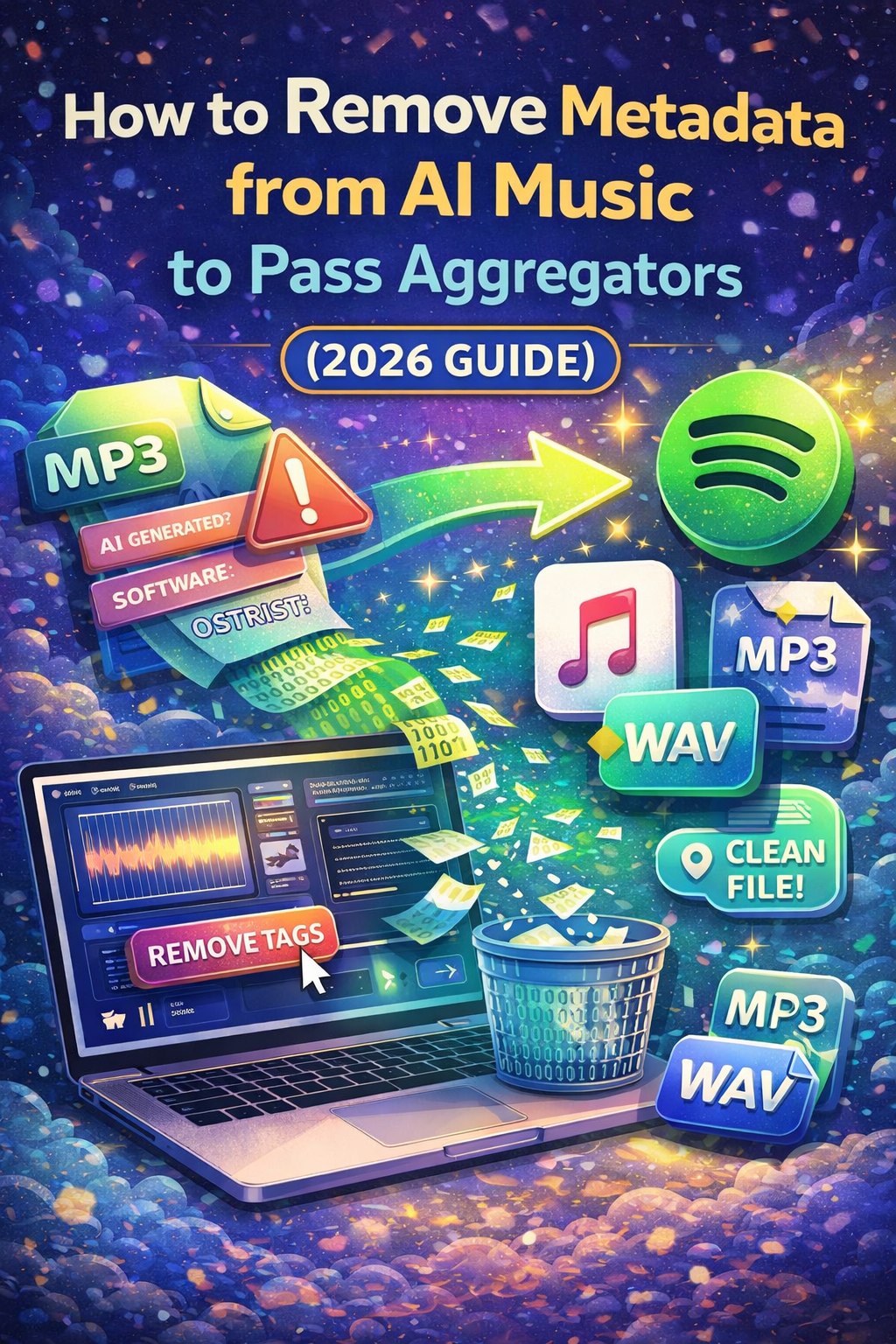
🎧 How to Remove Metadata from AI Music to Pass Aggregators (2026 Guide)
Introduction
AI-generated music is booming in 2026.
But many creators face the same problem:
❌ Their songs get rejected by aggregators
❌ Distribution fails
❌ Tracks are flagged as AI-generated
Why does this happen?
👉 Because of hidden metadata inside your audio file.
In this guide, you’ll learn how to remove metadata from AI music so your tracks can pass platforms like Spotify, Apple Music, and more.
🔍 What Is Audio Metadata?
Metadata is hidden information inside your audio file.
It can include:
- Artist name
- Software used
- Creation details
- Tags (AI-generated indicators)
💡 Some AI tools automatically embed metadata that signals:
“This track is AI-generated”
⚠️ Why Aggregators Reject AI Music
Music distributors (aggregators) check for:
- Copyright issues
- Duplicate content
- Suspicious metadata
- AI-generated patterns
👉 If detected, your track may be:
- Rejected
- Delayed
- Shadow-blocked
🚀 Step-by-Step: How to Remove Metadata from AI Music
🔧 Method 1: Use Audio Editing Software
You can use tools like:
- Audacity
- Adobe Audition
- FL Studio
Steps:
- Import your audio file
- Export it again as a new file
- Disable metadata or clear tags
💡 This removes most hidden data.
🔧 Method 2: Convert File Format
Another simple trick:
- Convert MP3 → WAV
- Then WAV → MP3
👉 This process often resets metadata completely.
🔧 Method 3: Use Metadata Cleaner Tools
There are tools designed to clean metadata:
- MP3Tag
- TagScanner
Steps:
- Open your file
- Delete all fields
- Save clean version
🔧 Method 4: Re-Render the Audio
This is one of the safest methods.
- Import your track into DAW
- Add slight mastering (EQ, compression)
- Export as new file
👉 This creates a “fresh” version without original metadata.
💡 Pro Tip: Make Your Track More “Human”
Even if metadata is clean, algorithms can detect patterns.
Improve your track:
- Add variation
- Humanize timing
- Adjust velocity
- Add real effects
👉 This reduces detection risk.
❌ Common Mistakes to Avoid
- Uploading directly from AI tools
- Keeping original file name
- Ignoring metadata completely
- Using duplicate content
🎯 How to Increase Approval Rate
To pass aggregators easily:
- Use clean metadata
- Export fresh audio
- Avoid spam uploads
- Maintain quality
💡 Quality + clean file = higher success rate
💰 After Approval: How to Grow Your Music
Once your track is live, focus on:
- Spotify promotion
- Playlist strategy
- Social media traffic
👉 More streams = more income
🚀 Want Faster Growth After Upload?
After your music is approved, using a smart promotion strategy can help increase streams, listeners, and visibility faster.
👉 More exposure = more fans
Get your music heard faster with proven promotion strategies and start growing today.